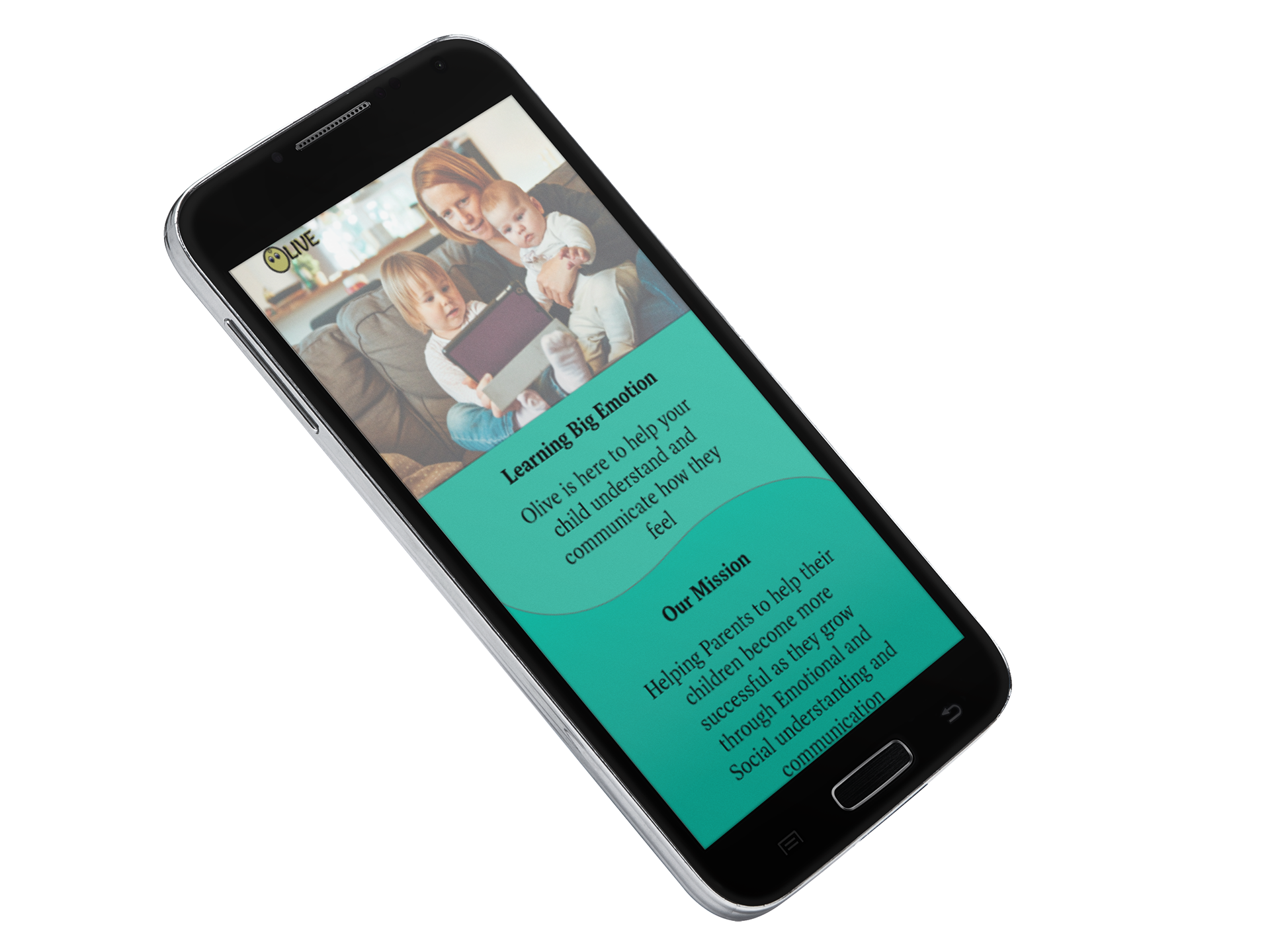
Problem Statment
Parents and teachers need an application to help children between the ages of 2-5 understand emotion through relatability and interaction to better communicate how they are feeling. We will know this to be true when the child is having an emotional experience and they are able to communicate this to the parent or teacher to get the needed affirmation.
Created: June 9, 2023
Role: UX Design, UX Research, UI Design
Timeline: 11 Months (part-time) October 2022- August 2023
Tools: Adobe XD, Adobe Ai, Adobe Ps, Useability Hub, Write maps, Slack
Tags: UX/UI Mobile application
Project Type: Full Creation (School Project)
Competitive Analysis
In this competitive analysis for my application Olive, a health and well-being application, I chose to look at the applications of Remente and Finch. Both applications are marketed as self-care, and well-being applications and have 4.3 and 4.9 ratings with 1M+ downloads. Both applications are focused on assisting daily emotions and goals to help track your overall mental well-being.

Remente Competitive Analysis
Key Objectives: The Promotion of " A healthier mind one day at a time” claims to provide tools backed by science and clinically tested cognitive behavioral therapy tools used by a Swedish psychologist.
Overall Strategy: Focused on being Simple, intuitive, and powerful with tracking and resources without being overbearing.
Marketing Advantage: Very colorful and simple to use, they also provide additional mental well-being resources that will help you connect to other resources for further support and growth. The application is very attractive without a lot of fuss.
Finch Competitive Analysis
Key Objectives: Interactive application for Self-Care and Easy to use.
Overall Strategy: Provides an application that you can interact with as you practice self-care and mindfulness.
Marketing Advantage: The application allows you to take care of a pet Finch. As you take care of yourself, you take care of your finch.
User Research
We conducted our user research via surveys and user interviews we had the primary goals.
Survey Research goals
Find out what devices young kids see any kind of educational material on.
What percent of young children use applications to further learn?
Find out how much involvement comes from parents or teachers.
Interview Research Goals
Children’s everyday emotional experiences and how they handle them.
How much the parents or teachers are involved with that development?
What are ways that young children are communicating how they feel?
Interview Responses
Is your profession in Education or Psychology?
Are you a single parent?
How old is your child?
Do they have any siblings?
Does your child go to daycare or school or are they homeschooled?
How much time are you able to dedicate to learning with your child each day?
What educational applications does your child interact with?
Are any of them addressing emotion or emotional situations?
How does your child seem to handle emotional situations?
Is your child able to calm themselves down in an emotional situation? If so, what do they do? If not, how do you help them?
Does your child know how to communicate how they are feeling? If not, would you like to help them learn how to communicate how they are feeling?
How do you help your child understand emotions?
How often do you read to your child? Do you go over the book as you read it?
Additional feedback
Findings
I learned that the application must be able to be used via any device, have an active element, and be versatile to use with short screen time, while also adhering to child safety and being able to be used by one or more children at a time.
User Personas
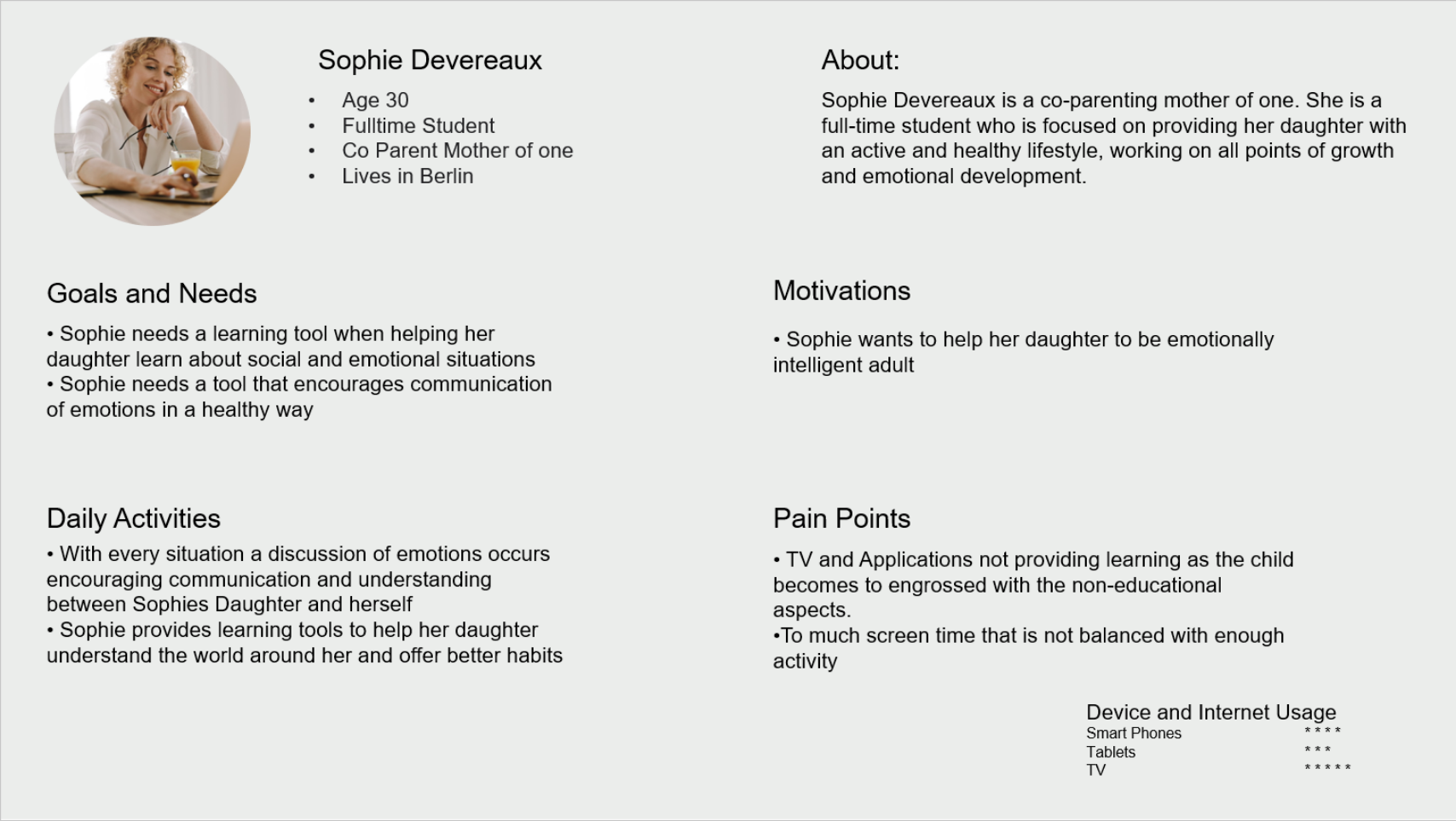
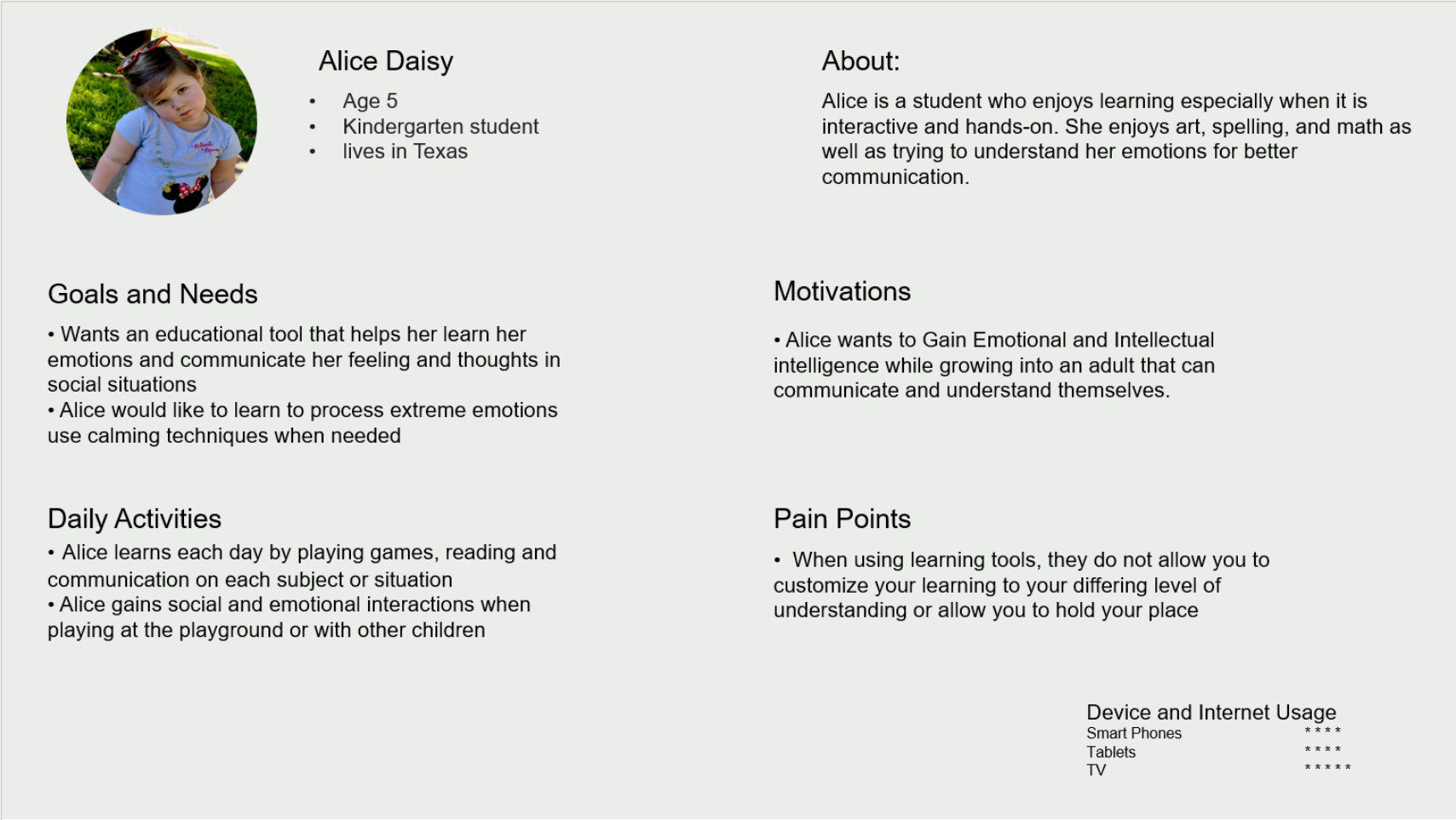
Taking what we learned in the interview phase, we created two user personas to
aid in keeping us on track of what our users need as a solution to the problem.
aid in keeping us on track of what our users need as a solution to the problem.
Findings
The key points that we are aiming to achieve for our users are an application that allows for flexible and
fun emotional learning while also aiding in physical activity.
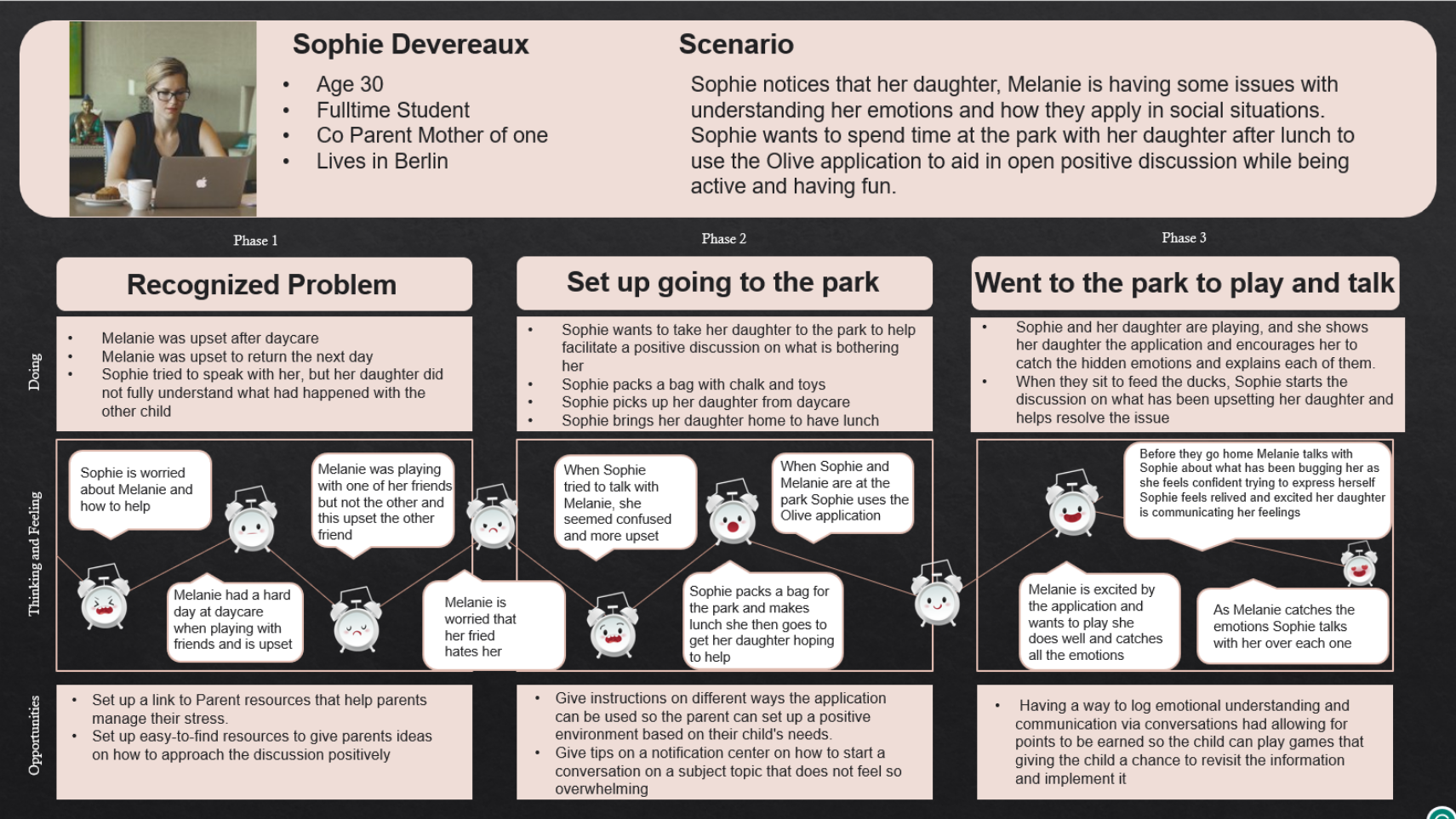
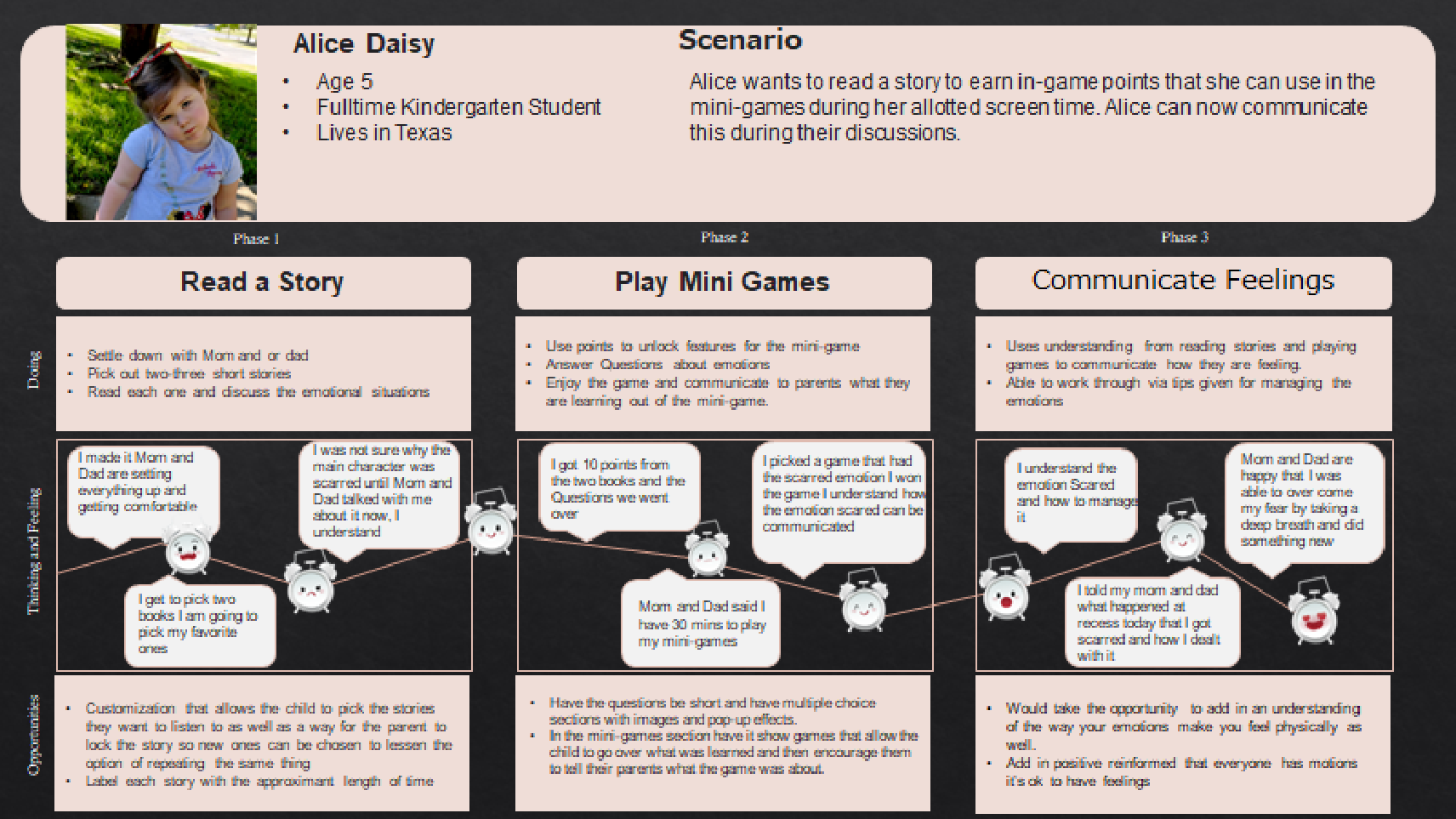
User Flows and Journey mapping
Taking what we have learned during our observations we will begin to create our
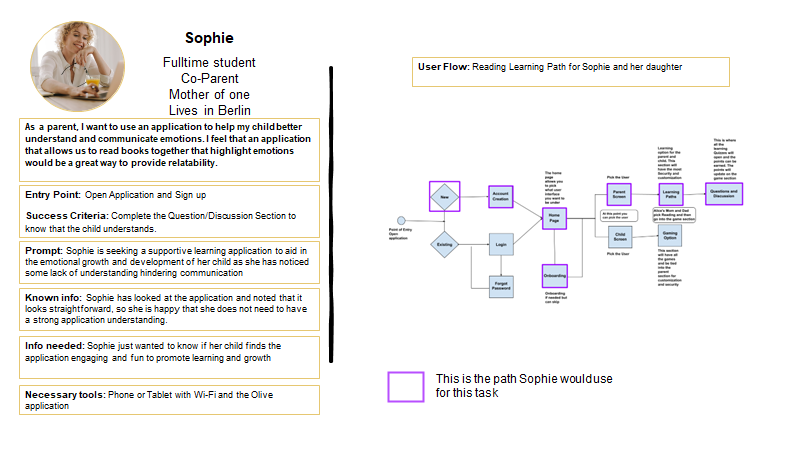
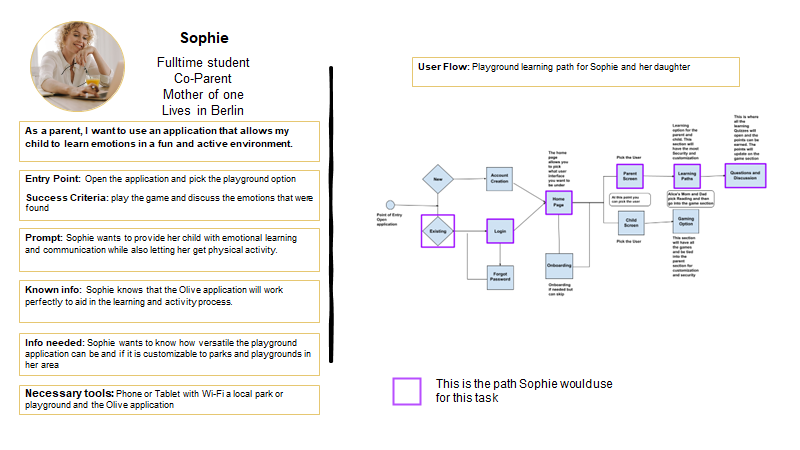
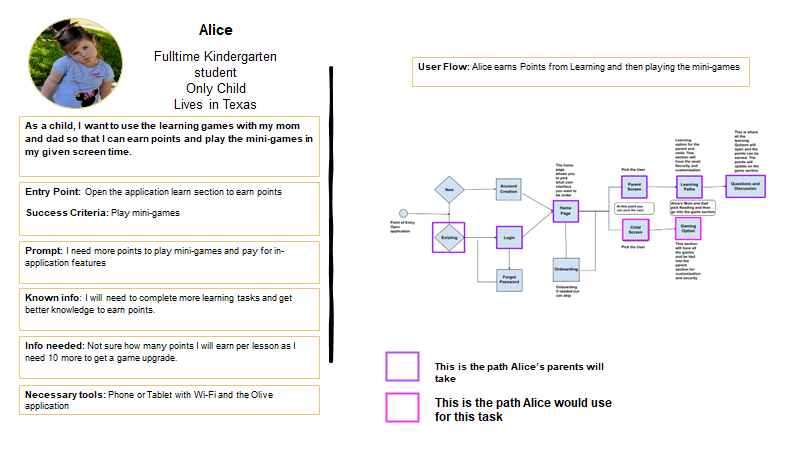
possible solutions. We defined flows for the 3 core learning features for the MVP: Playground, Reading, and Minigames."
possible solutions. We defined flows for the 3 core learning features for the MVP: Playground, Reading, and Minigames."
Findings
In looking at the user Journeys and Flows, we have a commonality aid in emotional growth and communication as well as being fun and easy to use while achieving a goal in the most logical steps
Prototype
Using what we learned , we now will enter the prototyping phase,
allowing us to transform our ideas into a format that others can interact with.
allowing us to transform our ideas into a format that others can interact with.
Mid-Fidelity Wire Frames
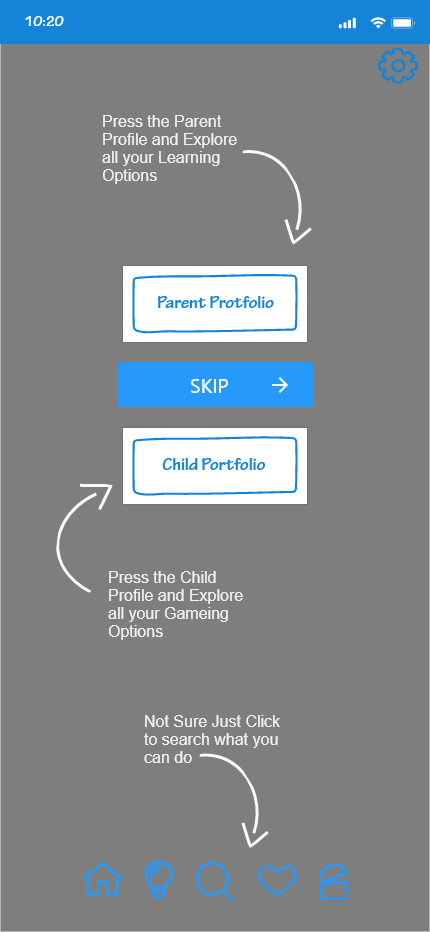
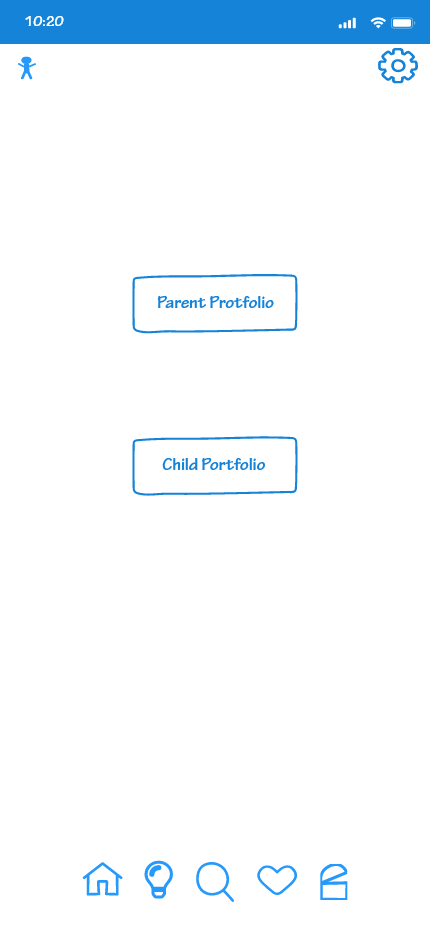
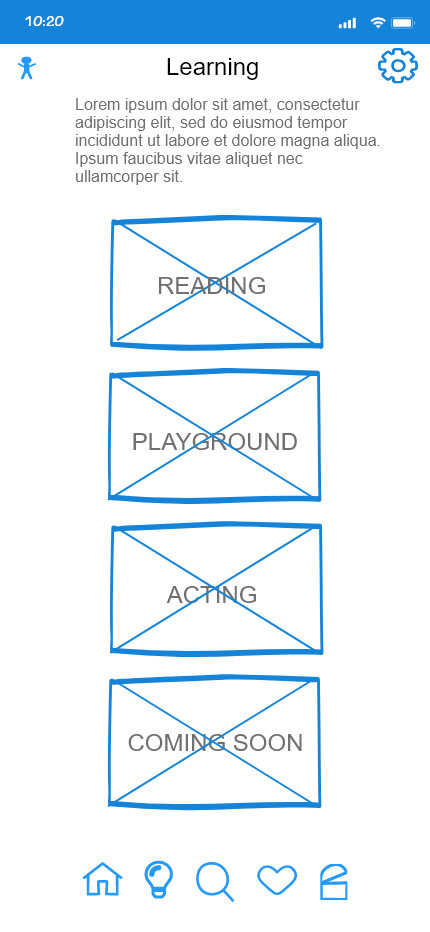
At the start of the prototyping going from left to right, we have the Splash screen, which gives a bit of info on the application. Then we move on to the register and sign-in pages. We wanted to keep this all very brief, and easy to process through, bringing you to the Onboarding. This is a general and easy to understand guide, once either read or skipped it brings you to the home page showing both portals offered.
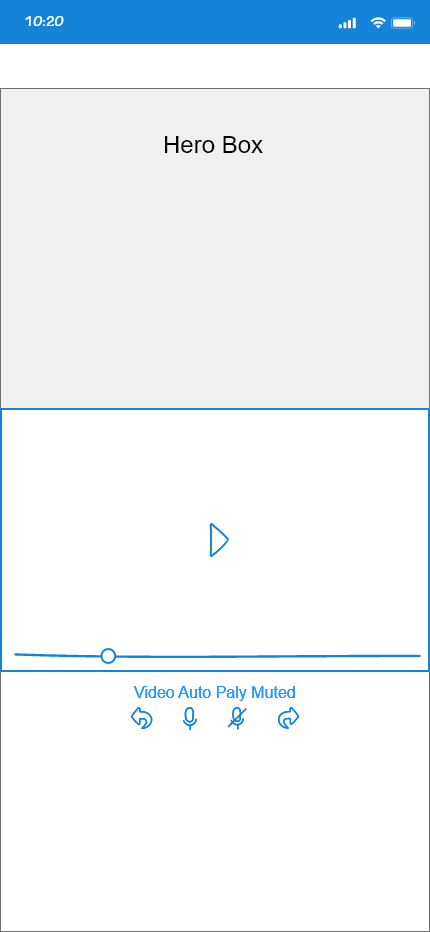
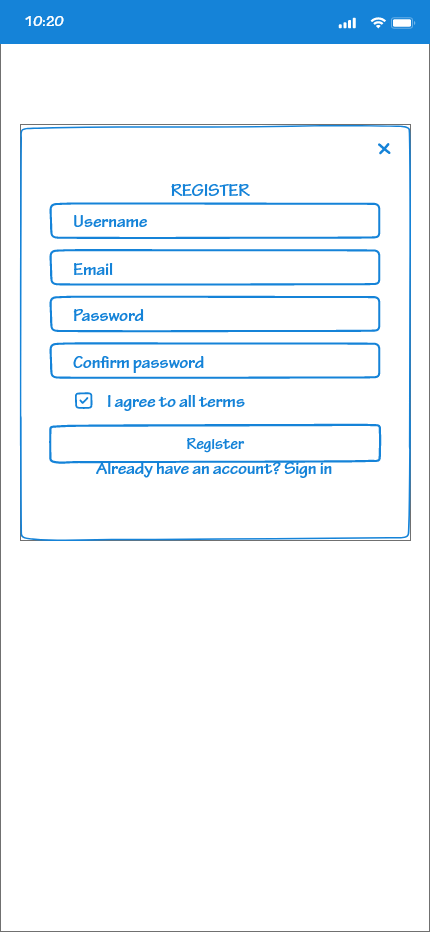
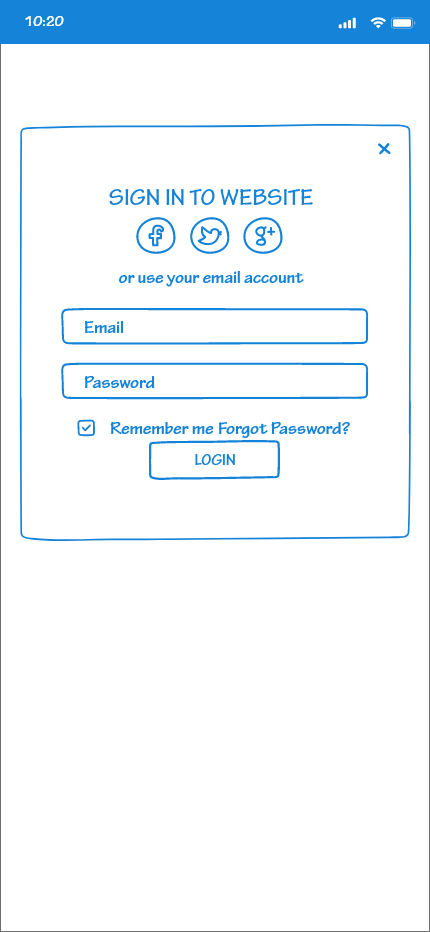
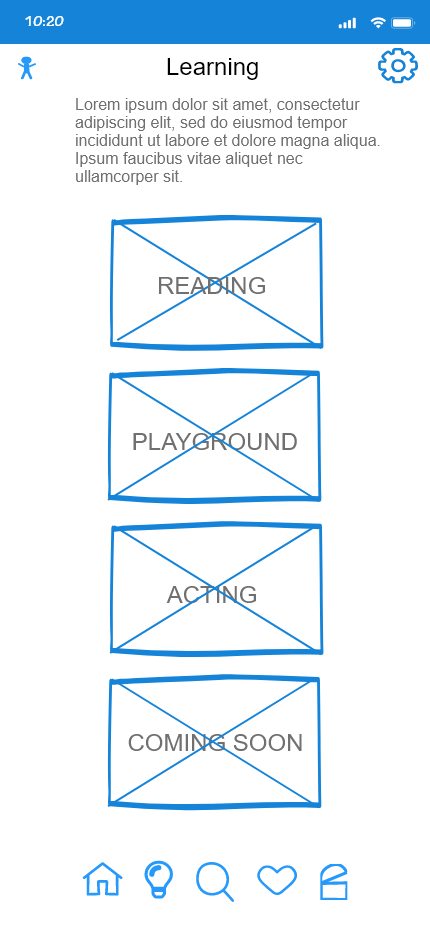
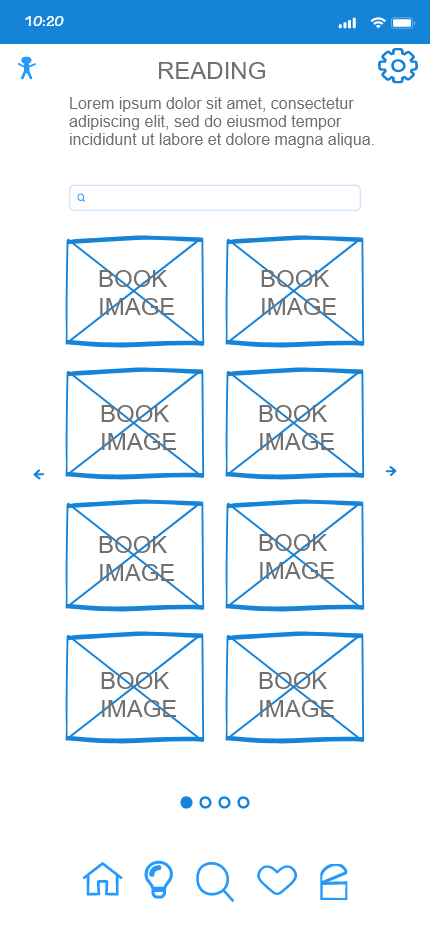
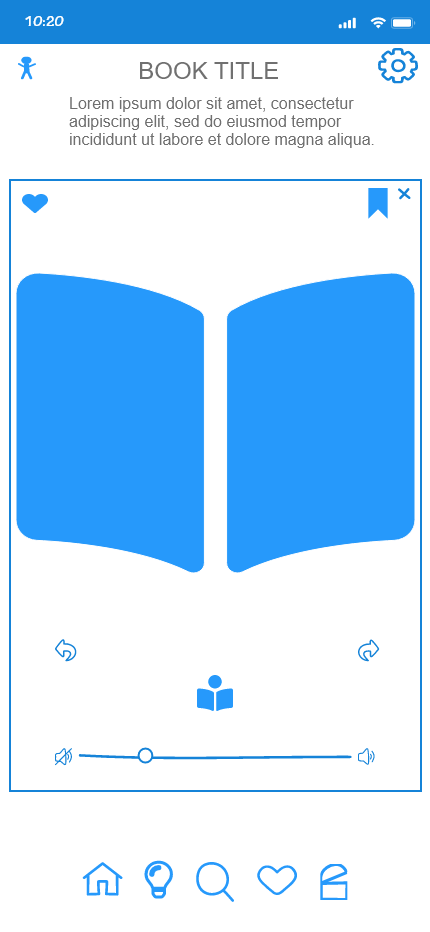
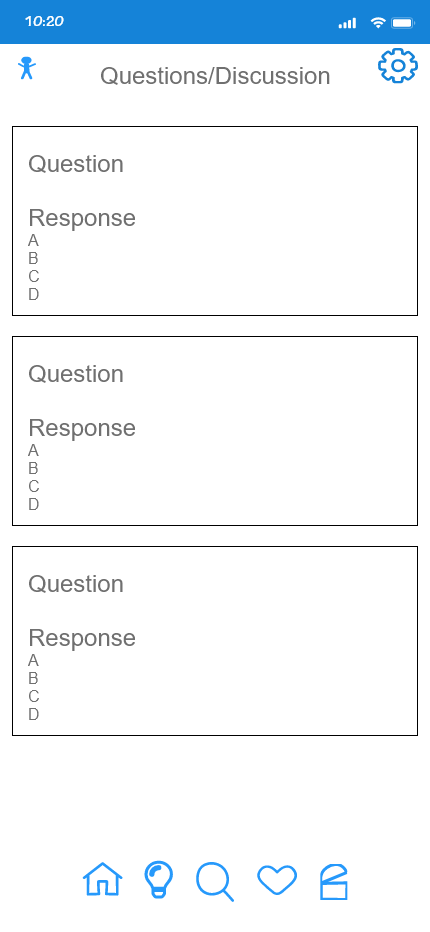
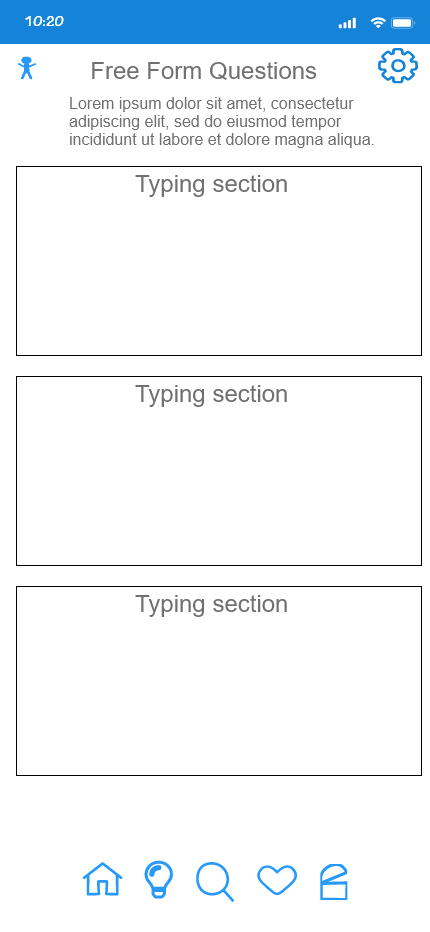
From the home page through the parent portal, it will open to the learning page where we have two learning flows. We start with the reading section which will contain books related to emotional and social situations, after which Questions related to the book will open and the parent can discuss this with the child.
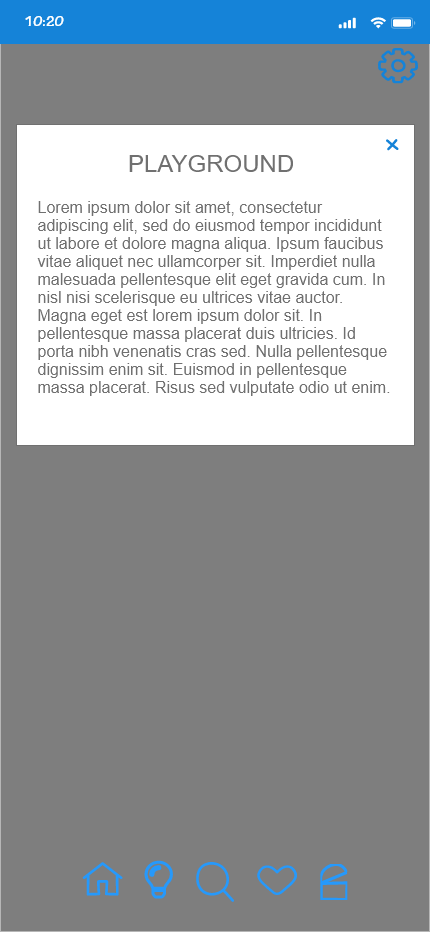
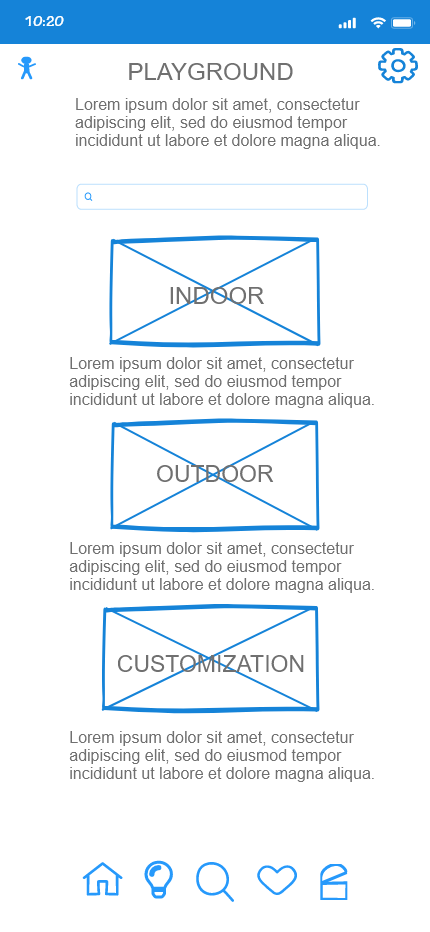
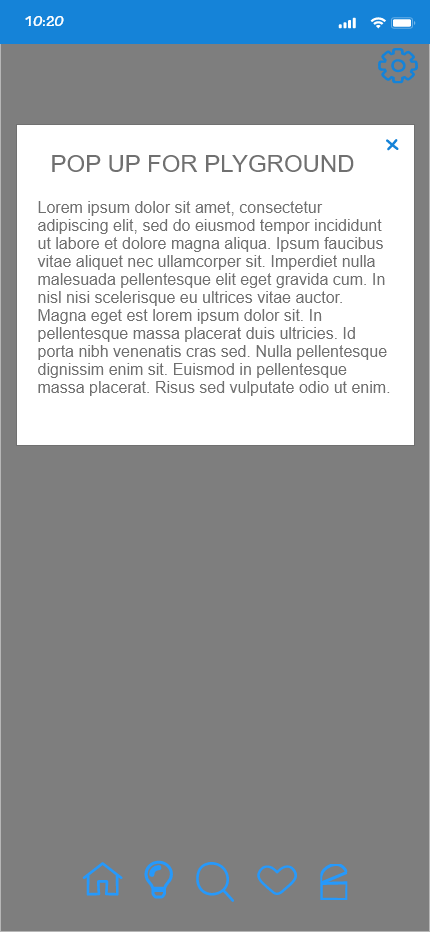
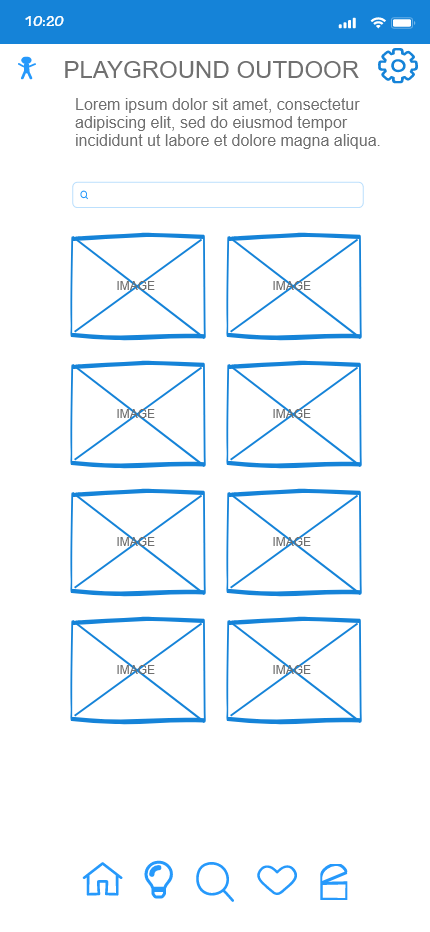
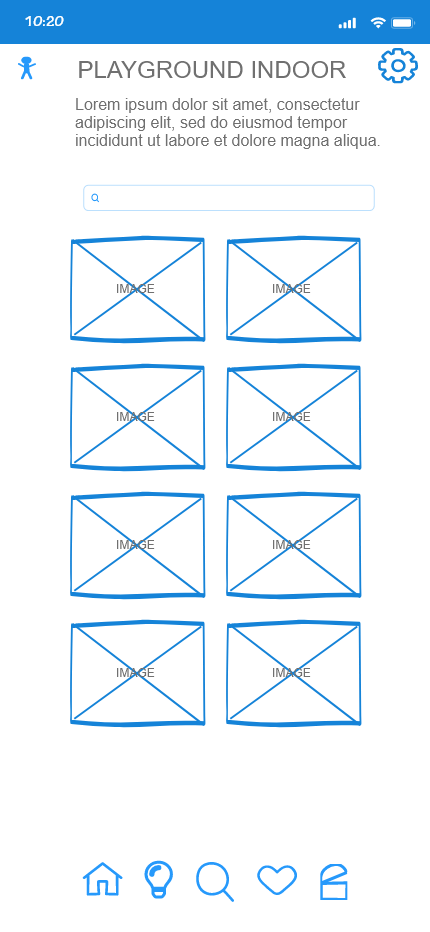
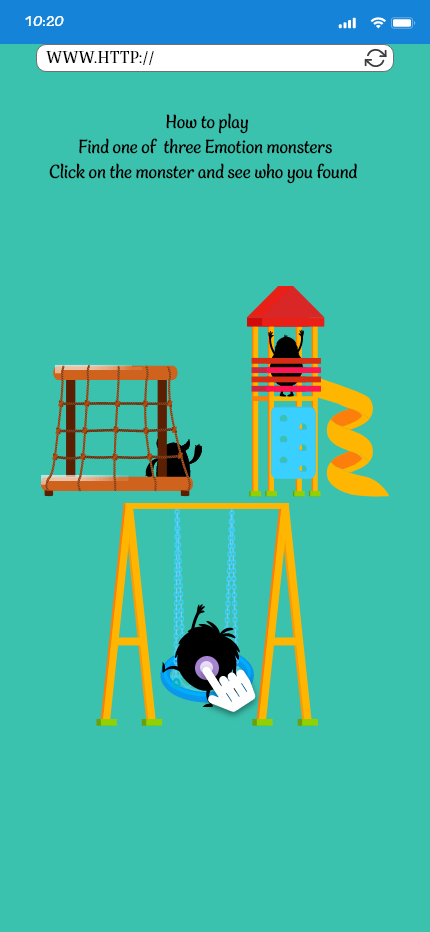
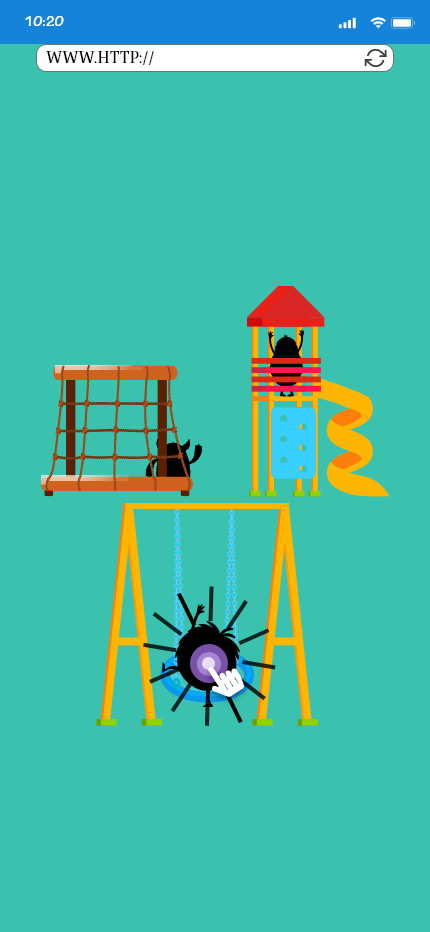
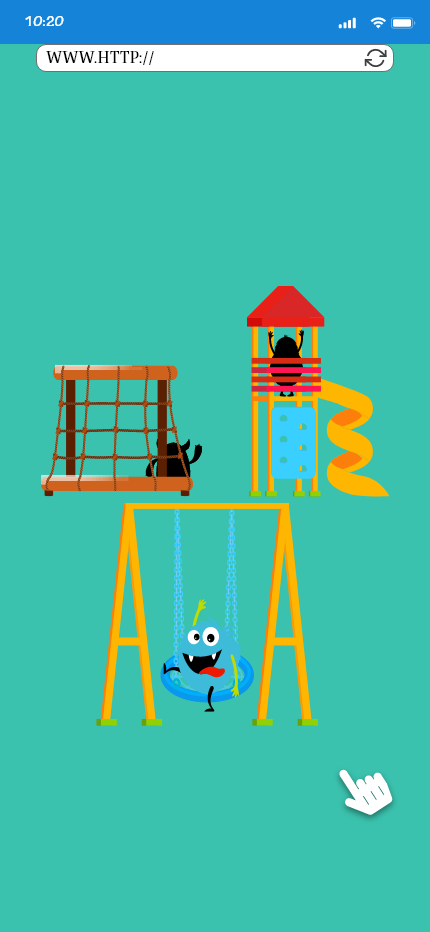
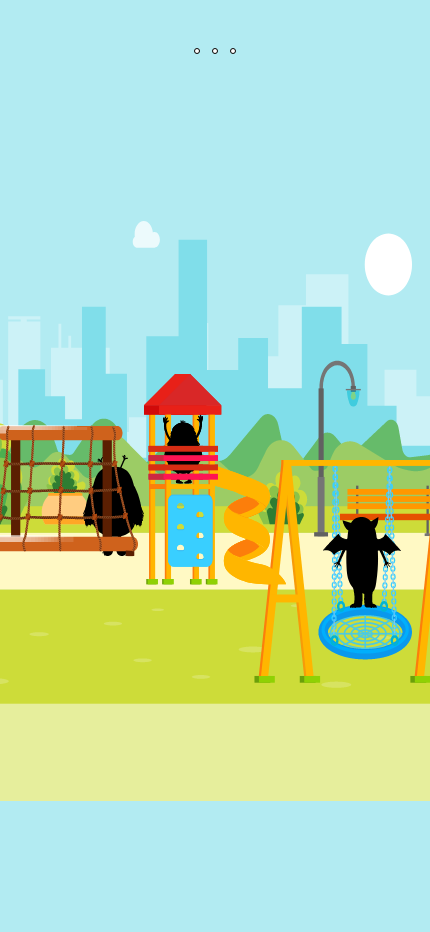
Moving forward in the learning path, we have the playground learning. This takes a game and physical approach to understanding emotions as the child will be tasked with finding hidden emotions that, once found, the parent can discuss the emotion.
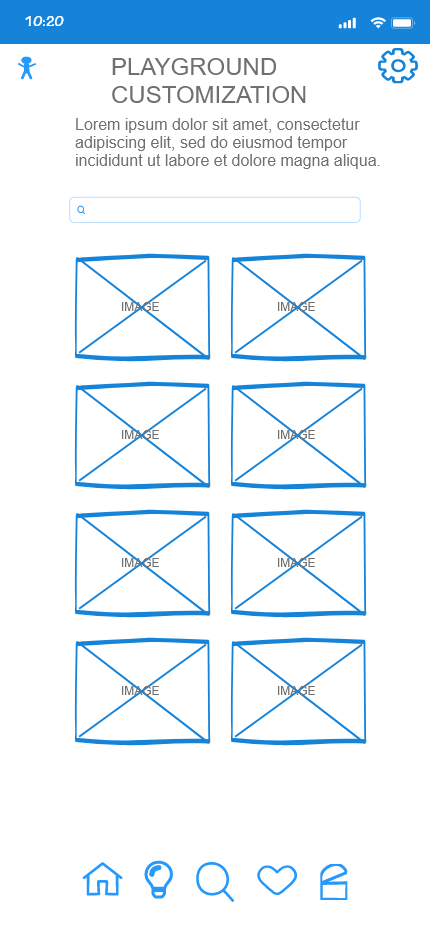
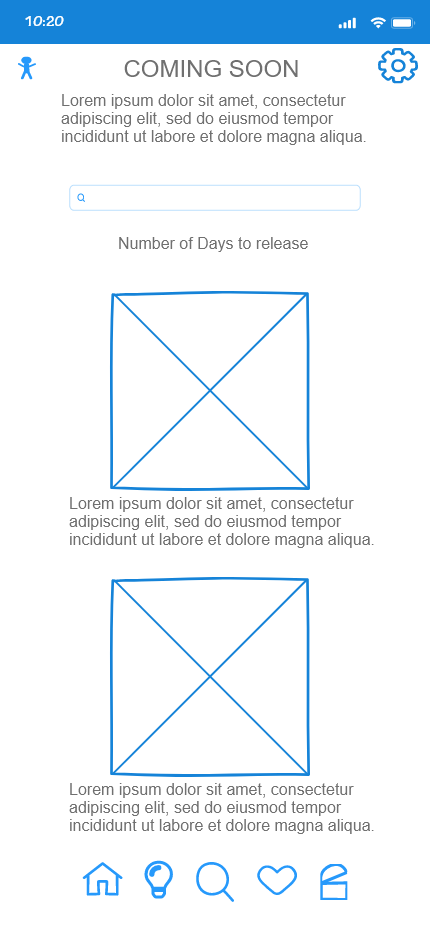
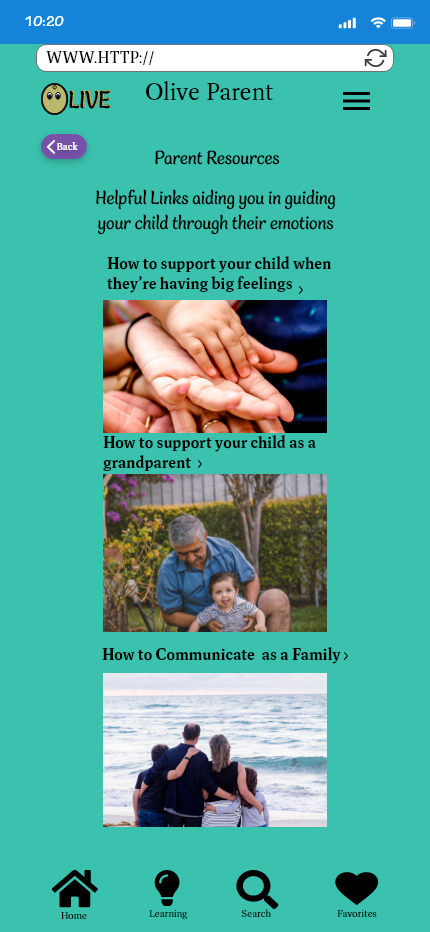
The last flow that we made was revised to provide parents with a resource, to help in day-to-day communication with their children as well as coping techniques for when the child is experiencing emotional overload.
Hi-Fidelity Wireframes
The final ideation of the application to this point is based from user feedback.
Splash Screen and Onboarding
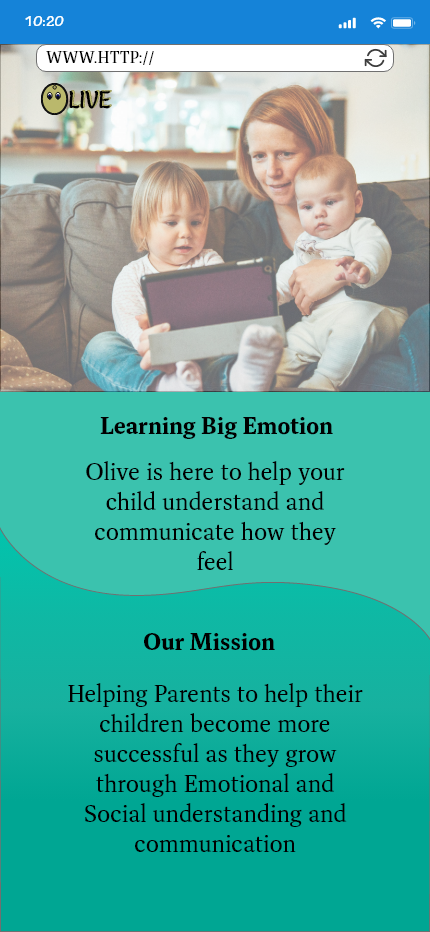
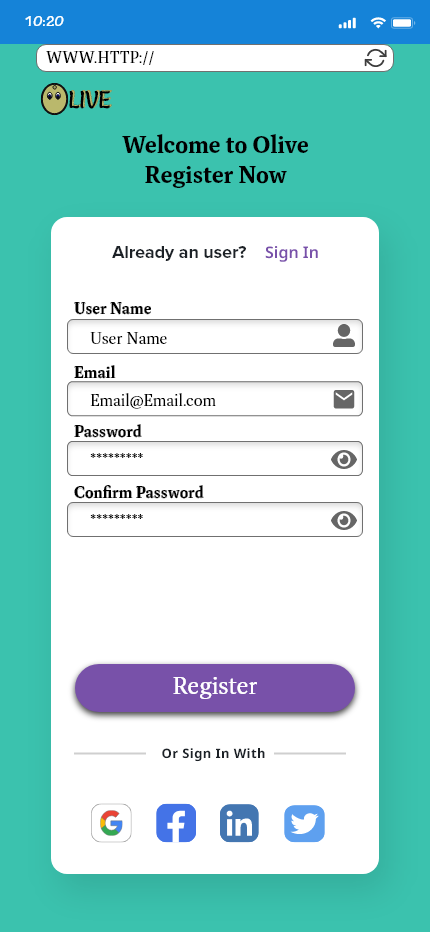
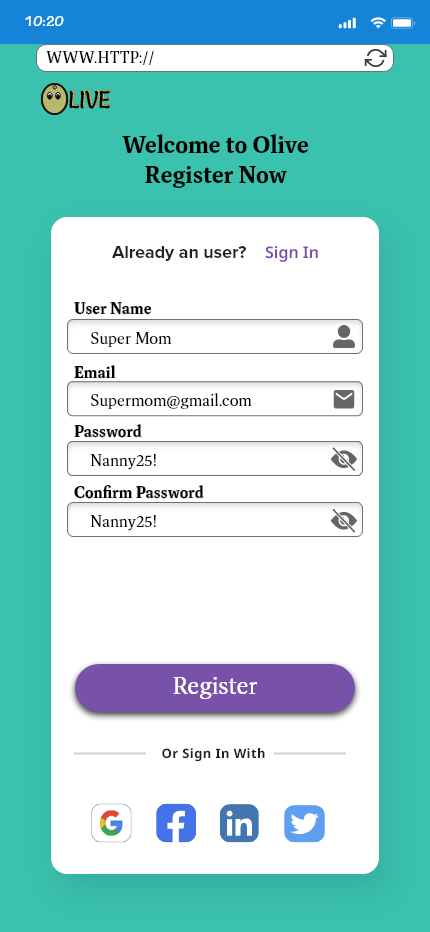
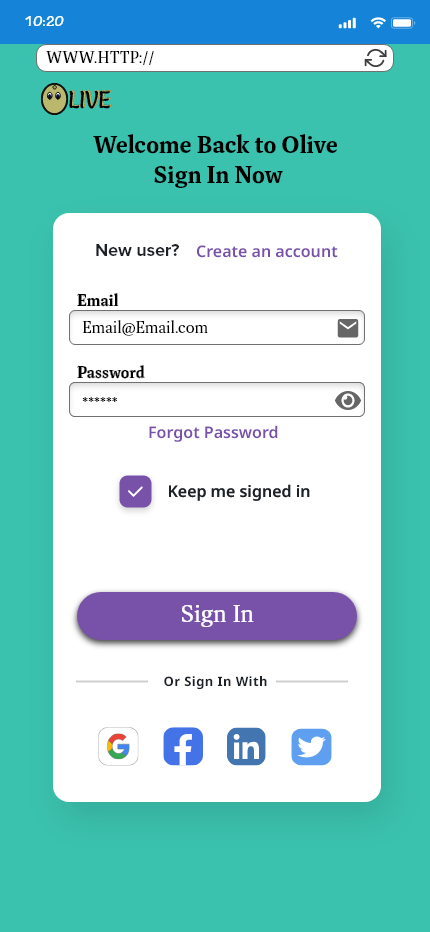
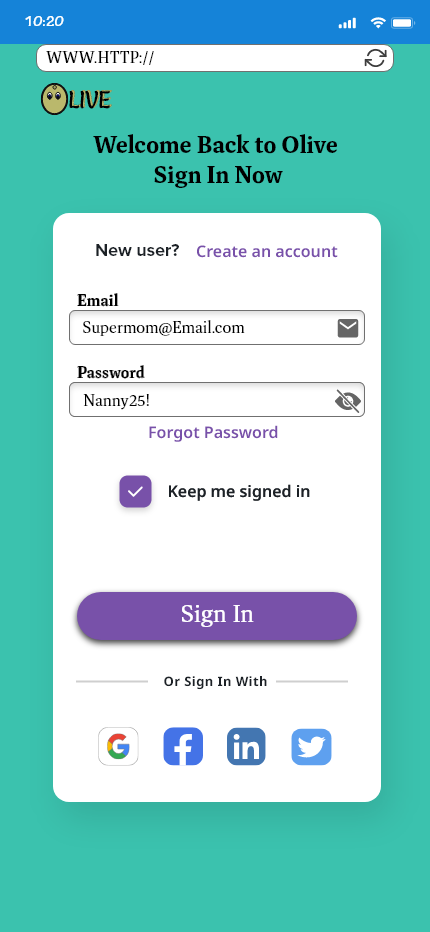
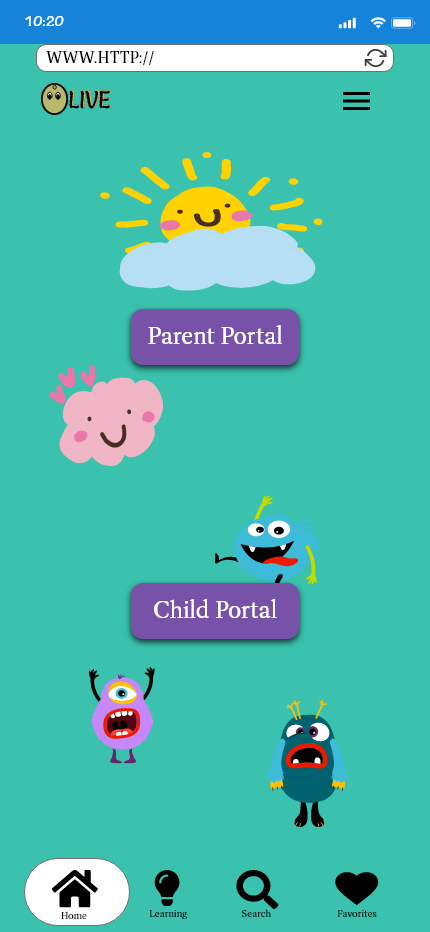
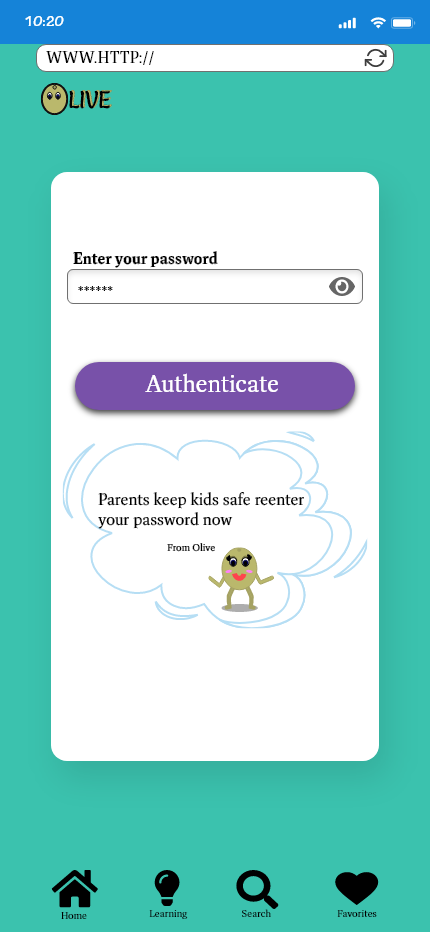
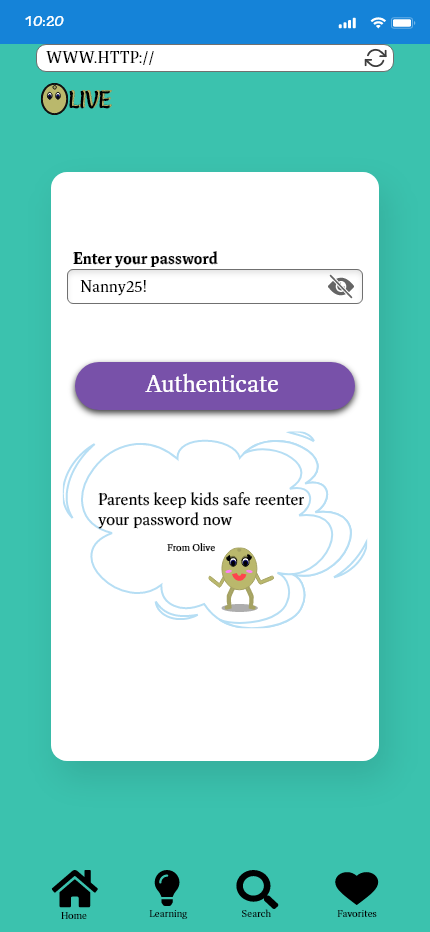
Based on the feedback that was obtained I removed the onboarding process that gave brief instructions and added the second password section for security while still keeping to a simple easy to use design
Reading Learning Path
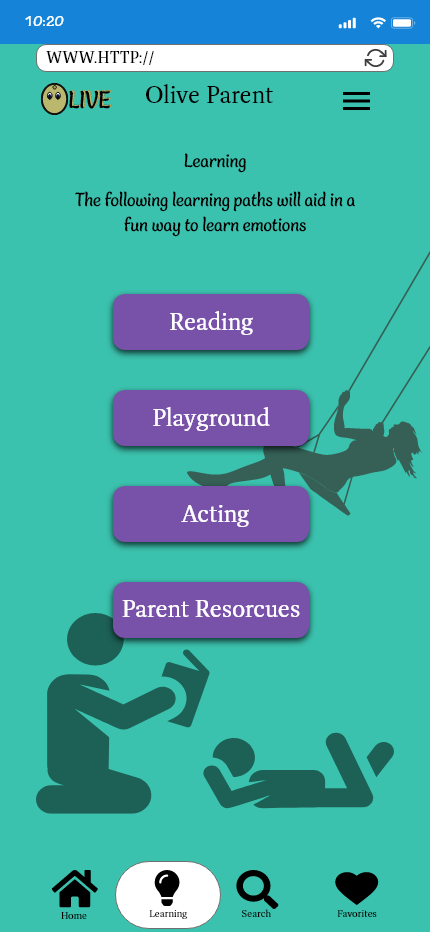
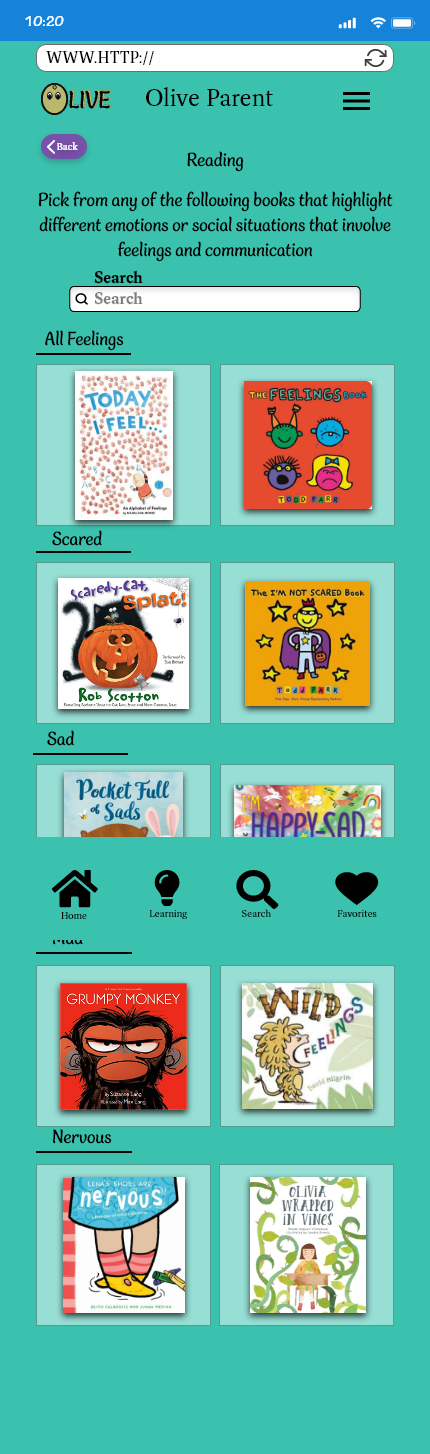
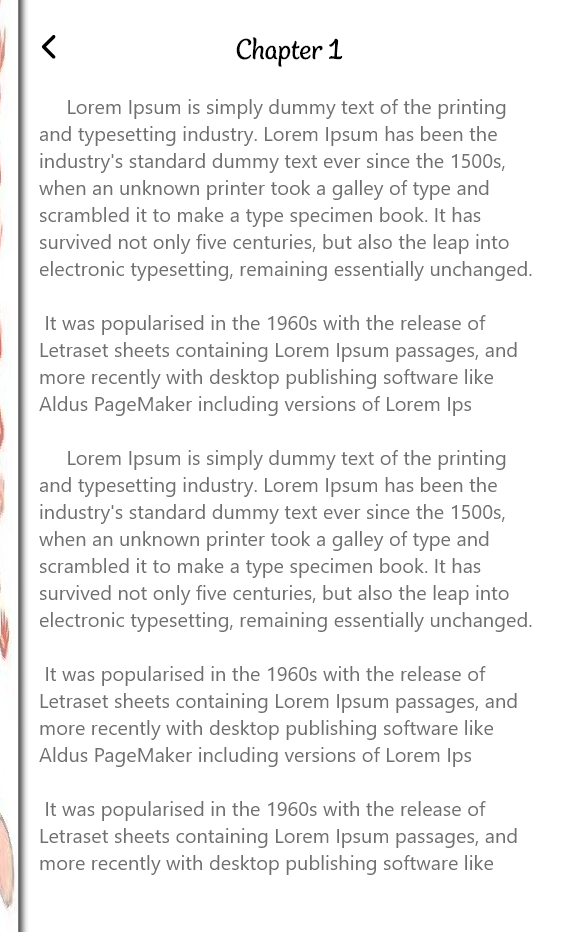
From the home page and selecting the parent portal, we are looking at the learning path page. When adding in more detail, I focused on an organized book layout, and instead of having a questions section it will simply be up to the parent to ask follow-up questions that will be relatable to each child based on the book content.
Playground Learning Path
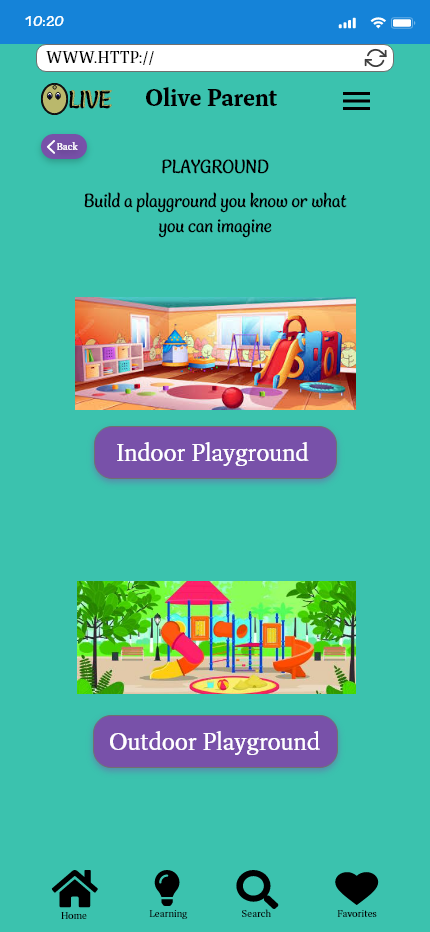
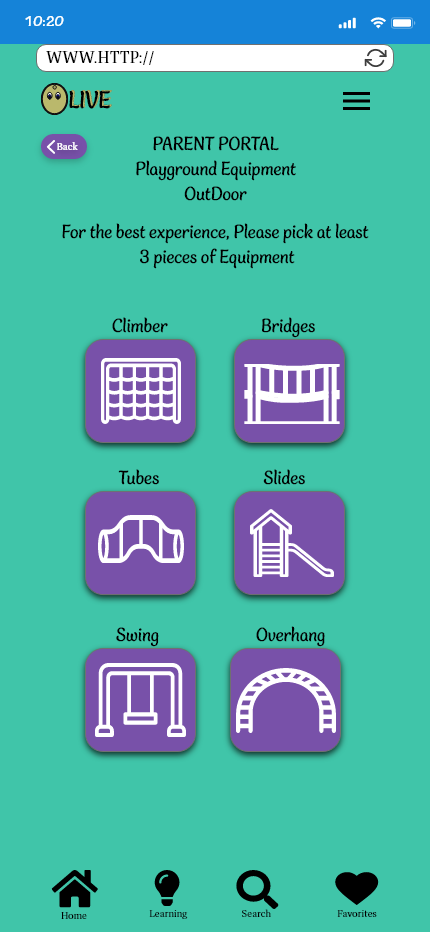
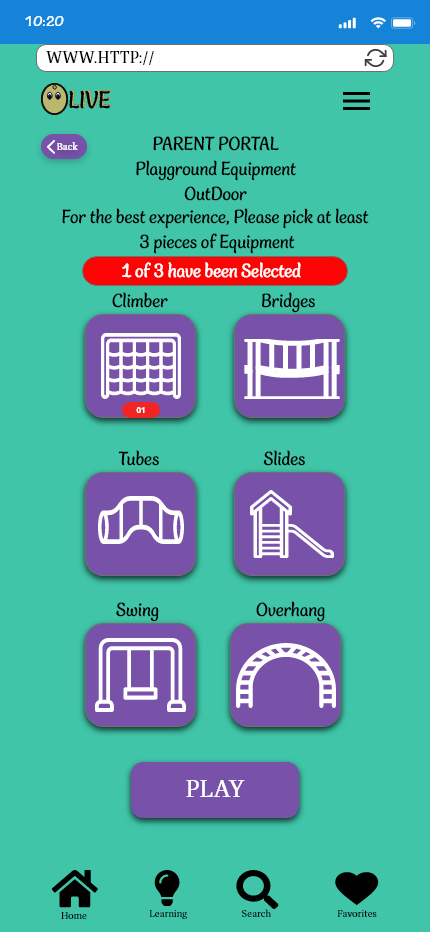
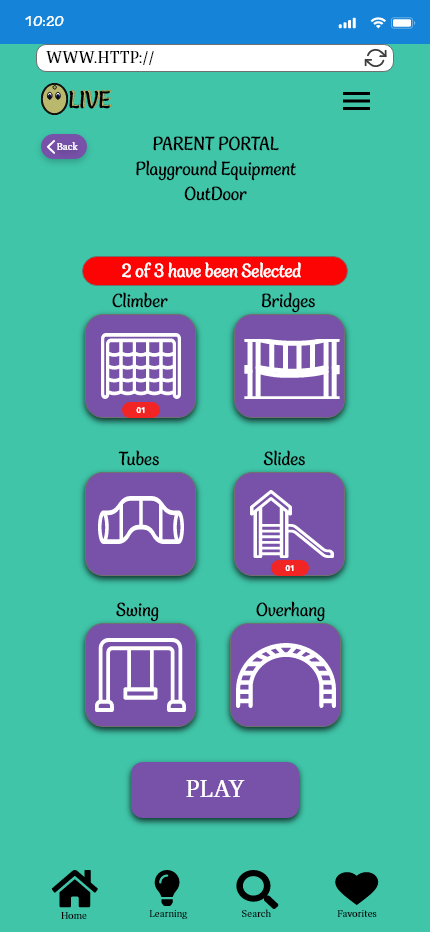
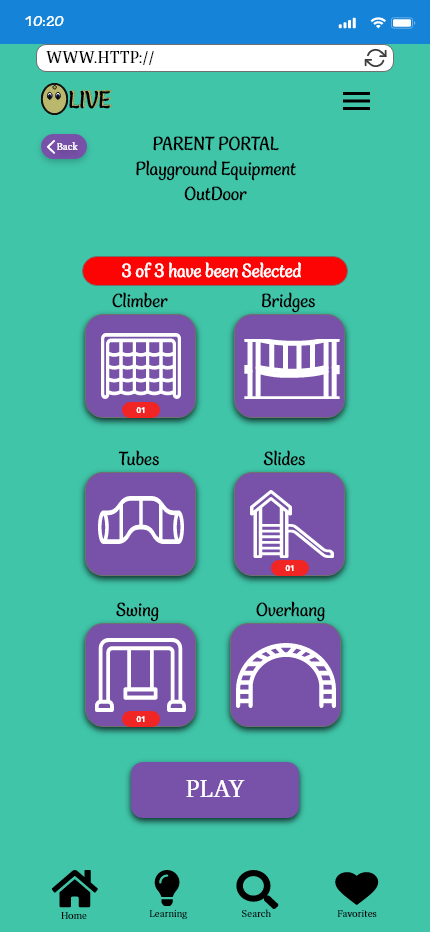
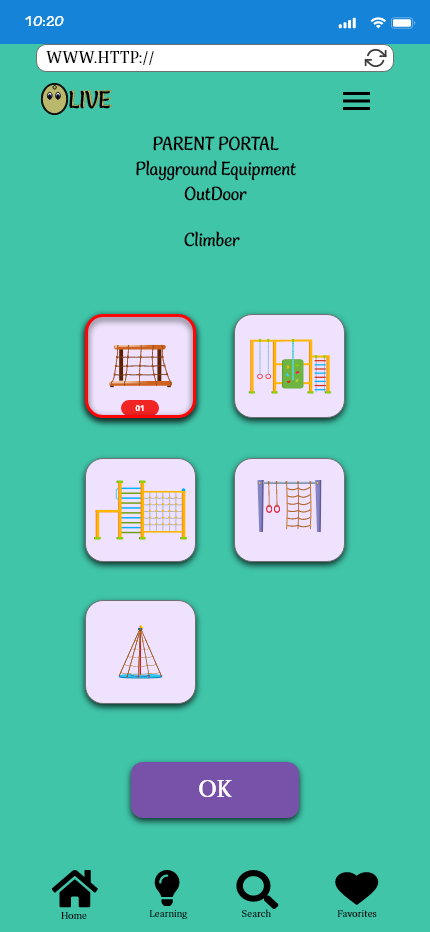
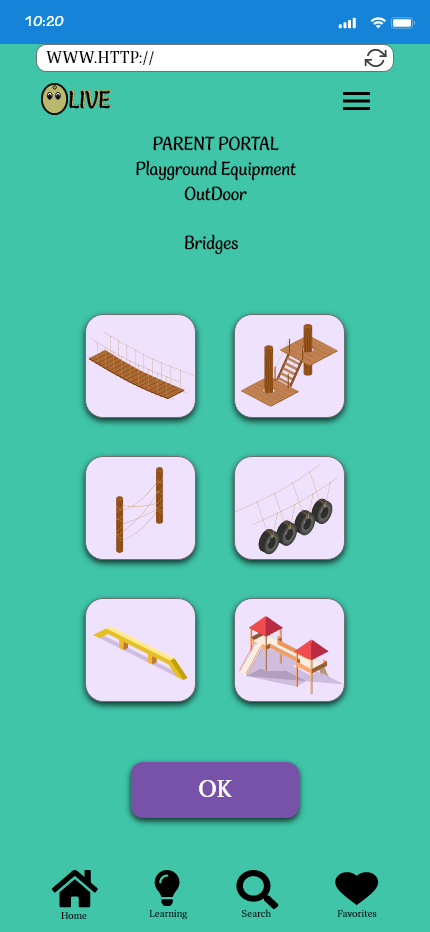
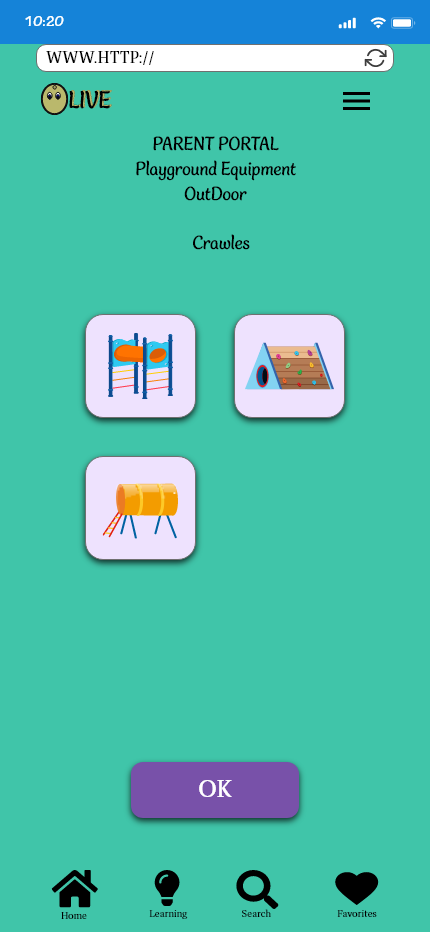
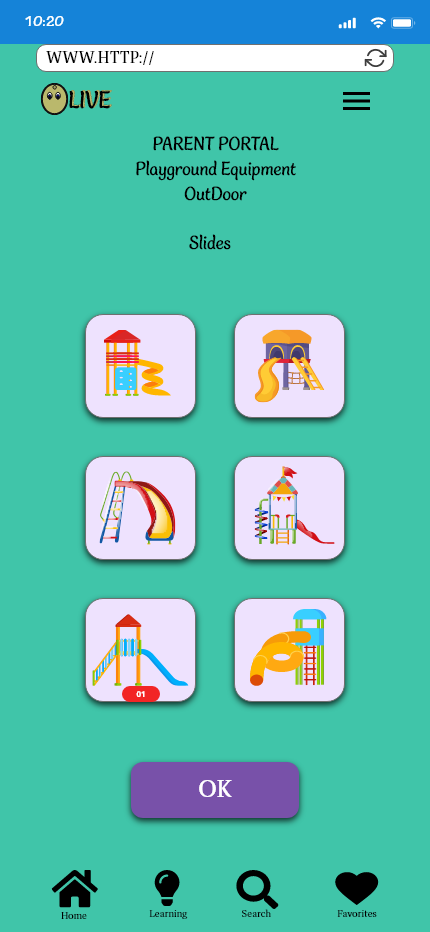
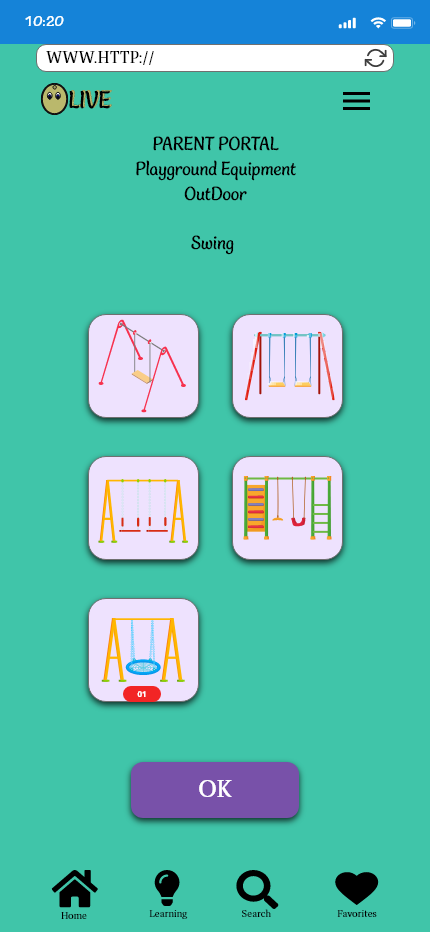
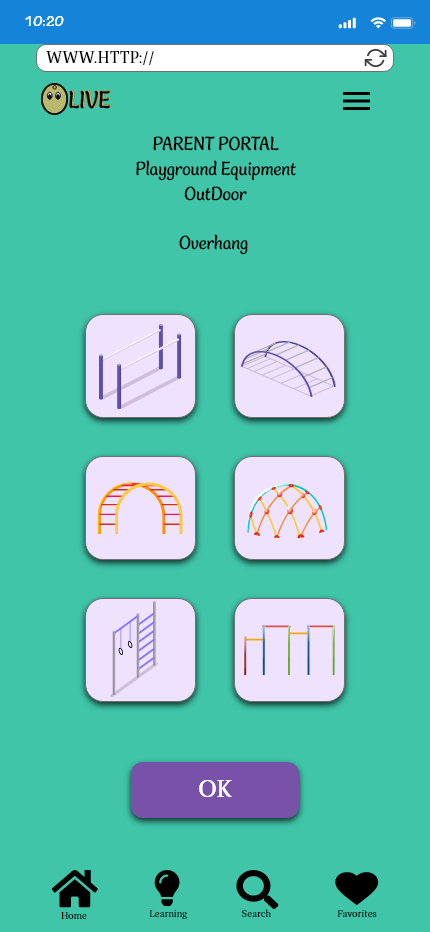
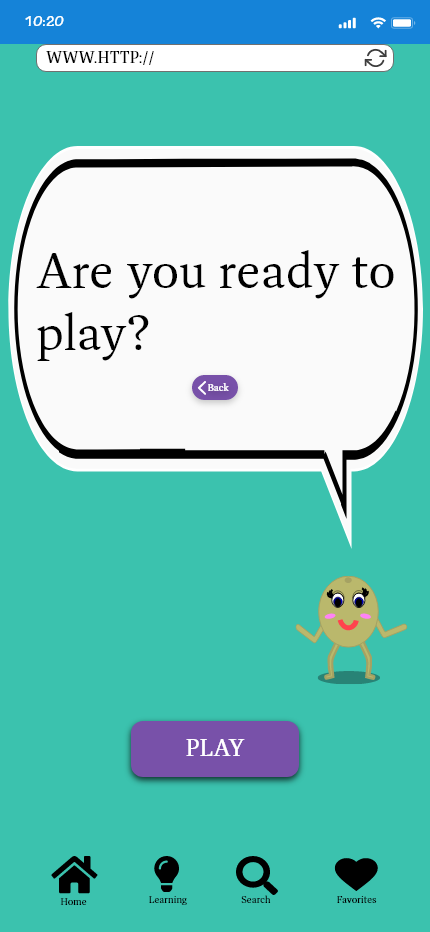
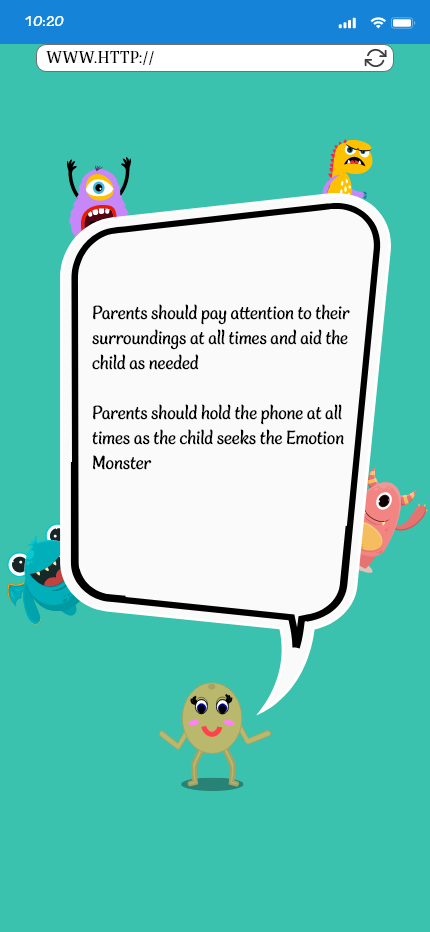
Moving forward in the learning path, I simplified the playground section based on user and stakeholder feedback by revising it to only have two setup options: indoor and outdoor. The presented slides reflect the outdoor setup and the process of playing the game.
Monster logging System
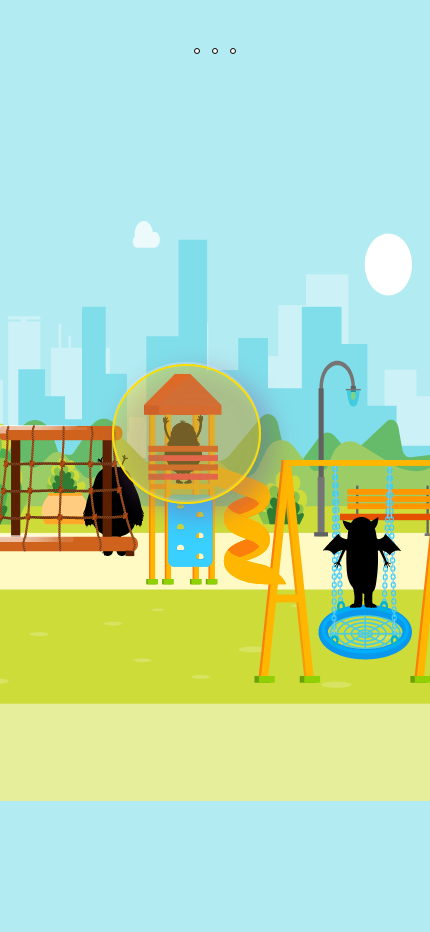
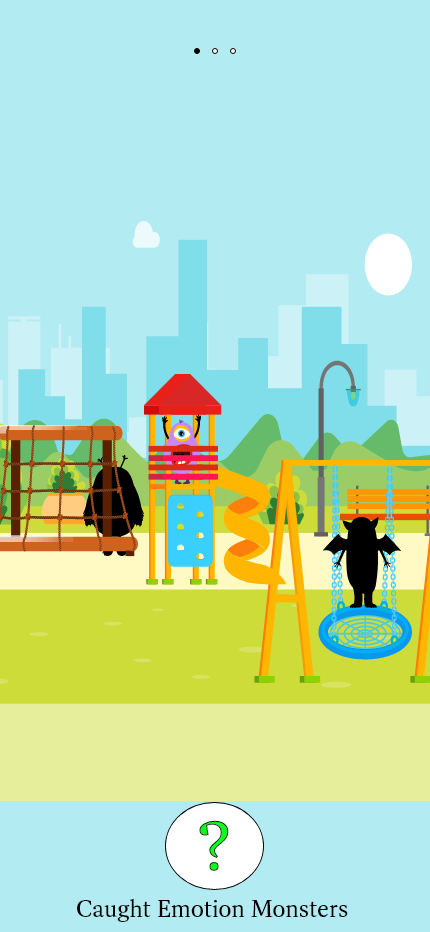
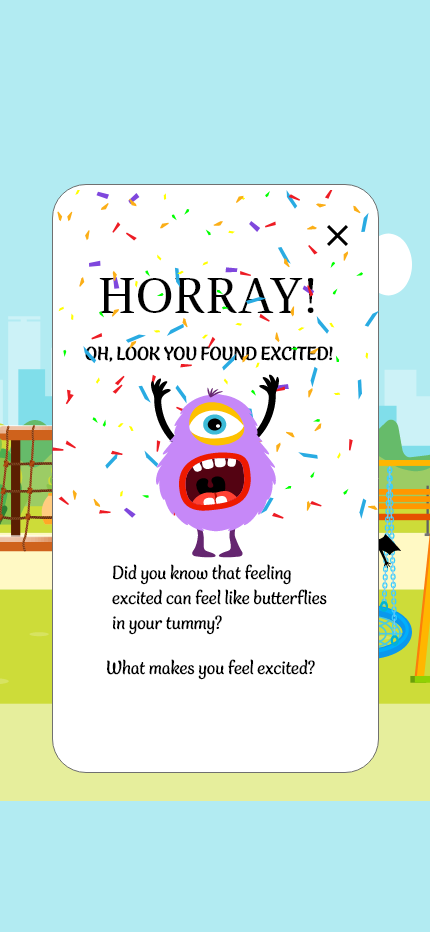
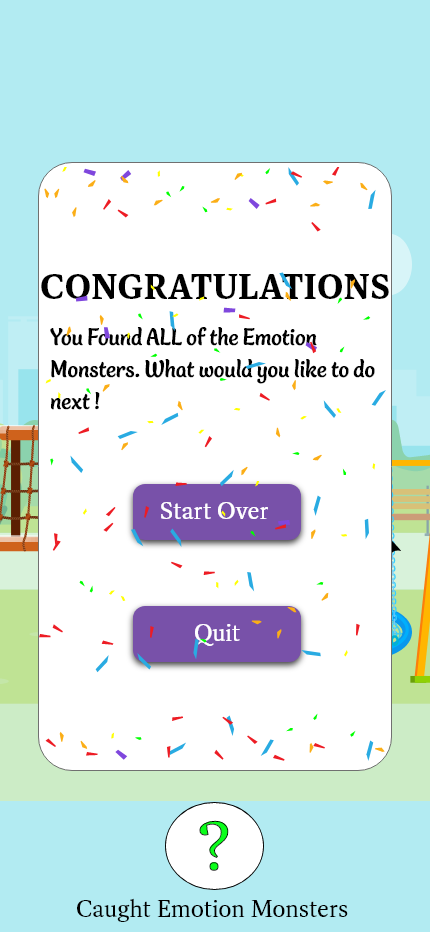
Monster Logging System
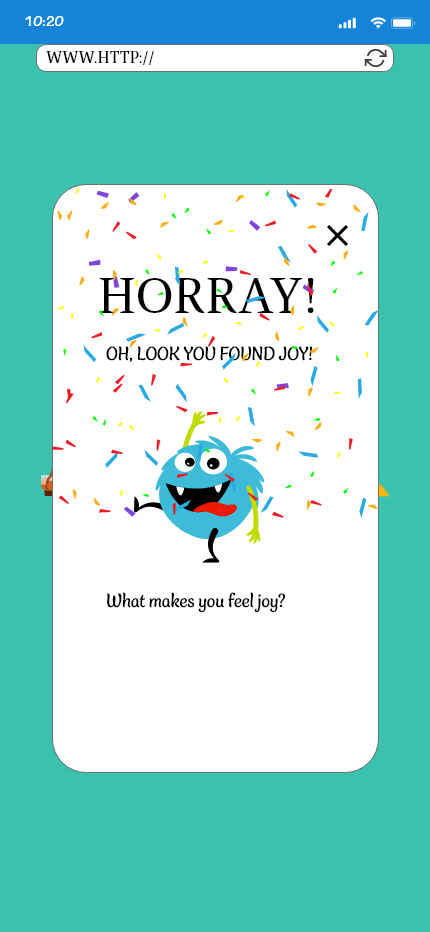
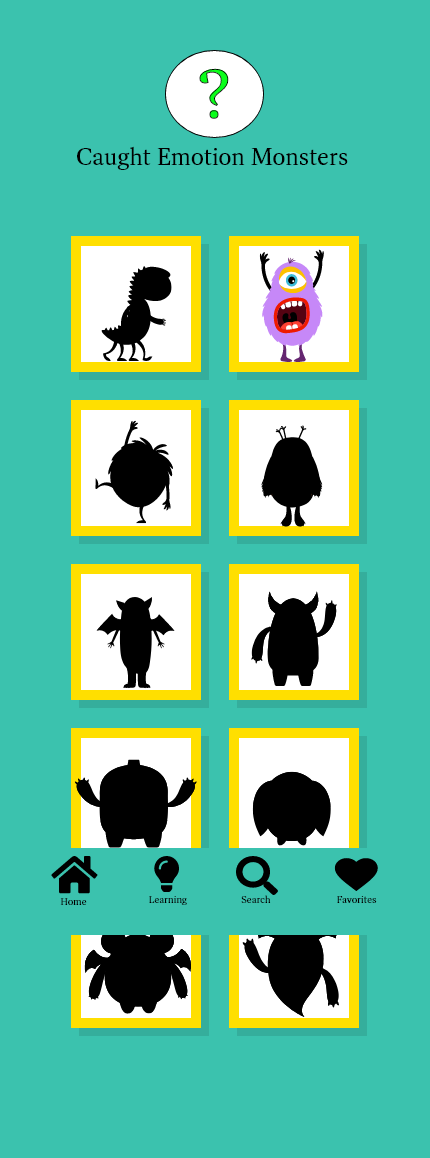
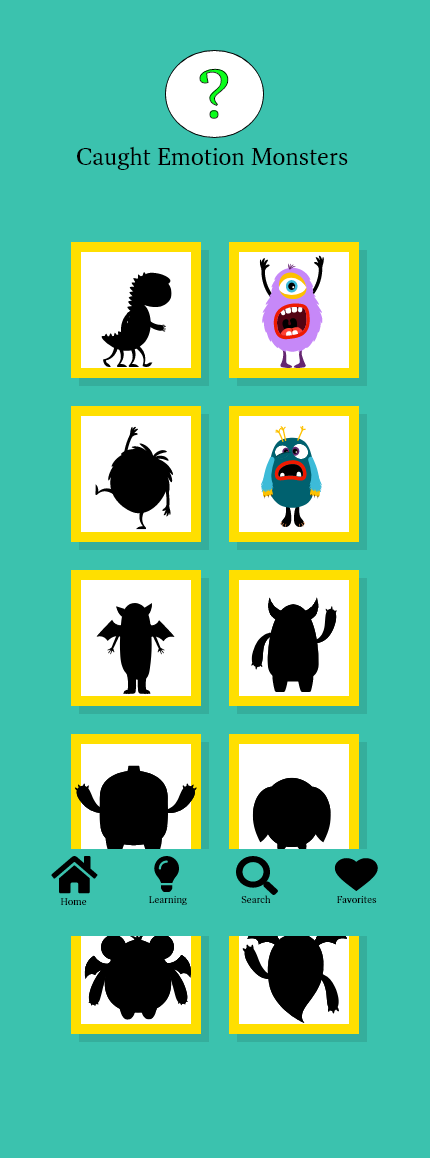
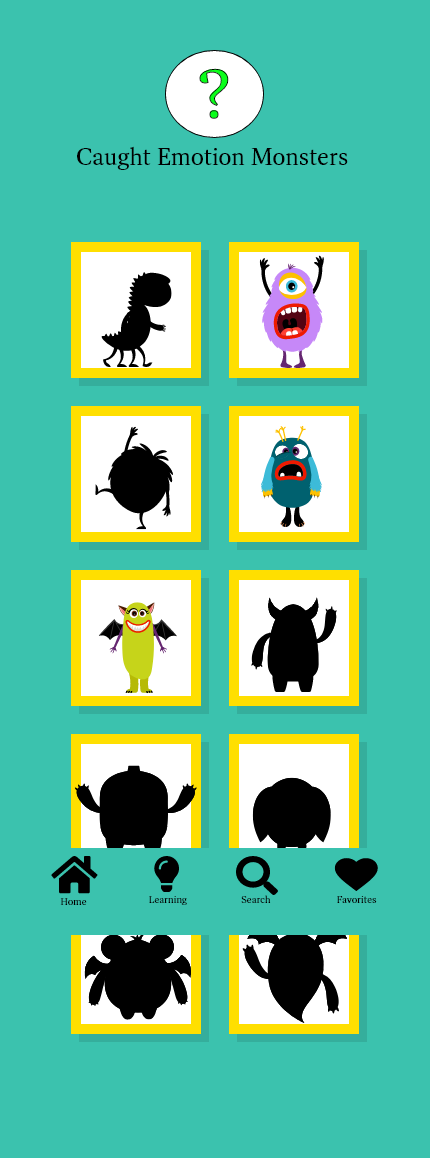
The catalog is an added feature so Children and parents can revisit the caught monsters during the playground sessions.
Reading Learning path and Parent Resource page
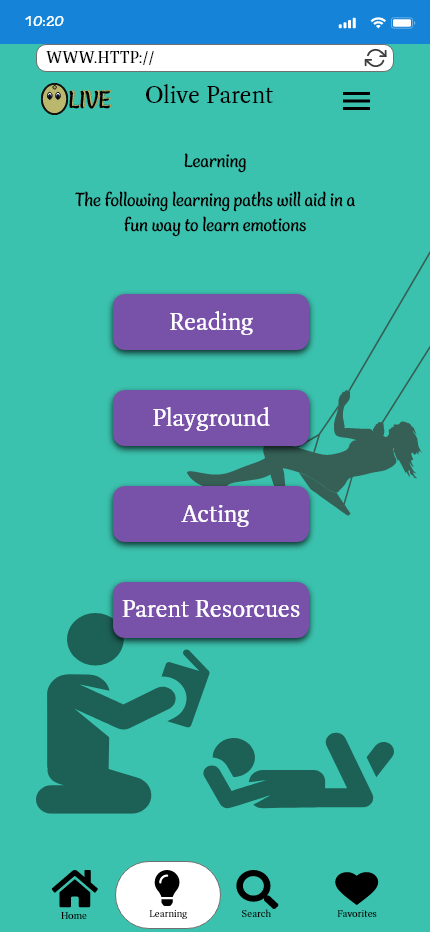
The final flow that we have is the parent resource. Instead of a coming soon section this allows a parent to gain further knowledge and external resource support for emotional understanding guidance.
Testing
Using our prototype, we then conducted Remote and In-person usability testing.
as well as Stakeholder feedback allowing us to make a more tailored product from
our original design that would be our final product.
as well as Stakeholder feedback allowing us to make a more tailored product from
our original design that would be our final product.
Introduction
Olive Moderated Remote Usability Test
by Heather Riggins
Stakeholders: Career Foundry
Last updated: May 17, 2023
Background
We are testing out application Emotional learning and communication application Olive we will be looking at the Navigation, how well users interact with the learning material If the application provides enough flexibility and diversity, seeing if the motivation meets the user’s expectations to encourage further learning and communication of the emotional and social situation.
Goals
The overall goal is to see how the function of the application is from the user’s perspective, what works, whether it is easy to understand, what are the pain points, are they satisfied with the overall experience. We will use the recorded observations to review the data and make revisions accordingly.
Test Objectives
• Navigation: what works for the user and feels the most intuitive, what are the pain points
• Interaction: Is the application process of using the learning material easy to understand while providing flexibility?
• Satisfaction: what is the overall experience what was easy, what was confusing
Methodology
I will be primarily using Moderated Remote due to geographical location and schedule, but I will be implementing the Moderated in-person as I can, Finally, I will use the Unmoderated if needed due to circumstances.
Participants and Schedule
I will be seeking 6 test participants, I will be recruiting participants via my network of friends, family, and colleagues. I will be looking at the number of children aged 2-5 in the home, if they are single parents or co-parents, how much learning time with their child/ren they have and how is that spent reading, playing games, or physical activity? This will all be useful as the ability to utilize the application depends on the parents to be able to work with their child/ren. Testing took place between May 5, 2023, and May 14, 2023
Findings
In Summary, I was given overall feedback of more direction and support for parent users and minor navigation changes that needed to be addressed. No issues for the child users were expressed.
MEET OLIVE
Presenting Our final redesign based on in-depth information obtained,
from our users and stakeholders.
from our users and stakeholders.
Thank you